Your Data Was in a Breach — Here's Exactly What to Do
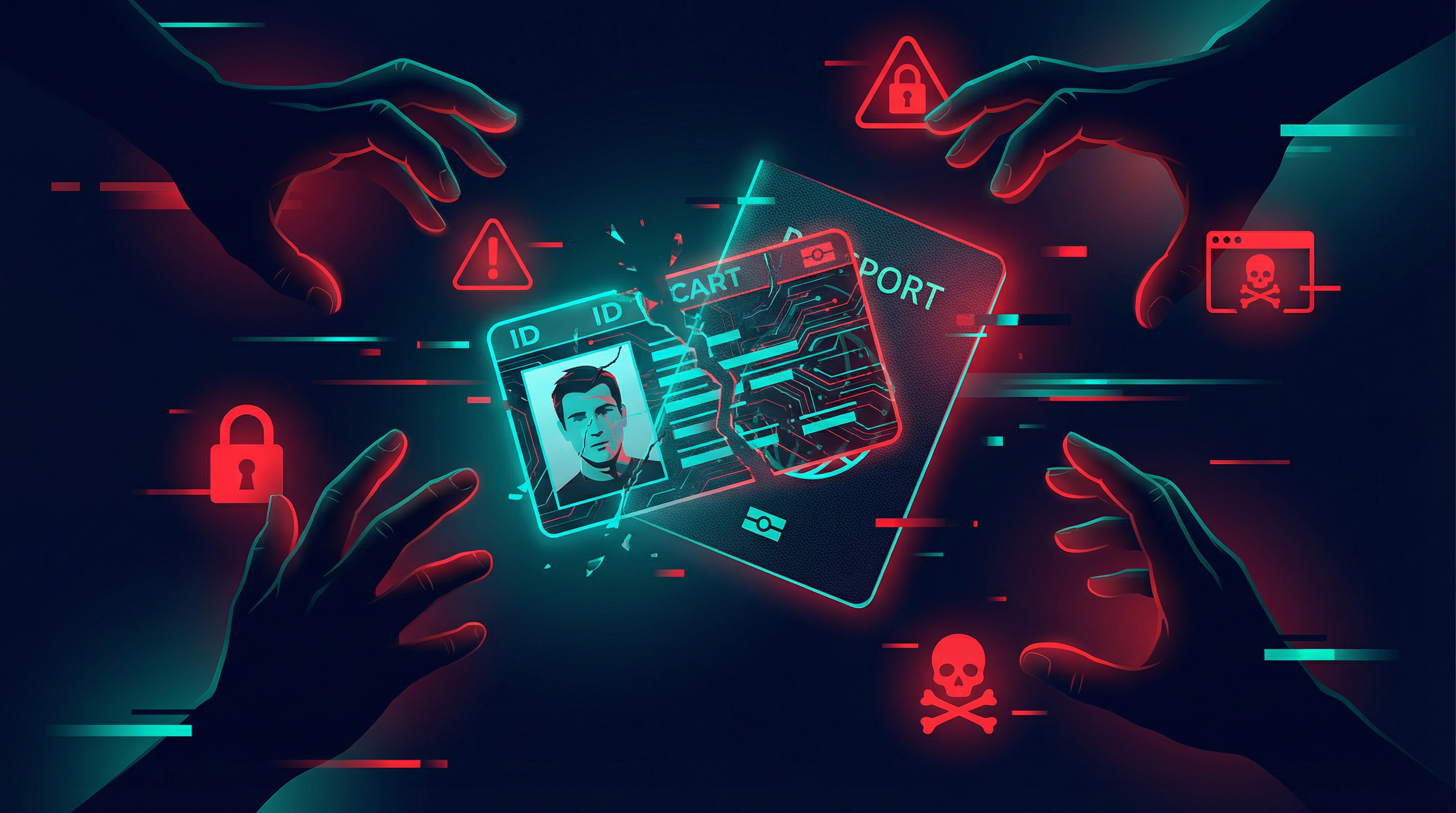
You've received a notification that a company you use has been breached and your data may have been exposed. Or you've checked HaveIBeenPwned.com and found your email in a leak. Don't panic — but do act quickly. Here's a clear plan.
First: Understand What Was Exposed
The breach notification should tell you what type of data was compromised. Email addresses and usernames are low risk on their own. Passwords (even hashed ones), payment card numbers, social security numbers, and date of birth are high risk and require immediate action.
Change Affected Passwords Immediately
If your password was exposed, change it right away — not just on the breached site, but on every other site where you used the same password. This is why password reuse is so dangerous. Use a password manager to generate and store unique passwords going forward.
Enable Two-Factor Authentication
If you haven't already, enable 2FA on the breached account and on any other accounts that share the same email address. Even with your password exposed, 2FA prevents unauthorized access.
Monitor for Identity Theft
If sensitive personal information was exposed (SSN, date of birth, address), place a fraud alert with the major credit bureaus. Consider a credit freeze, which prevents new credit accounts from being opened in your name without your explicit approval. Check your credit reports for any unauthorized activity.
Watch for Phishing Attempts
After a breach, attackers often use the exposed data to craft targeted phishing emails that look legitimate. Be suspicious of any emails referencing the breached service, especially those asking you to click links or verify information. Go directly to the company's website rather than clicking email links.
Bottom Line
Data breaches are an unfortunate reality. The key is responding quickly and systematically. The steps above, taken within 24–48 hours of learning about a breach, will significantly limit your exposure.